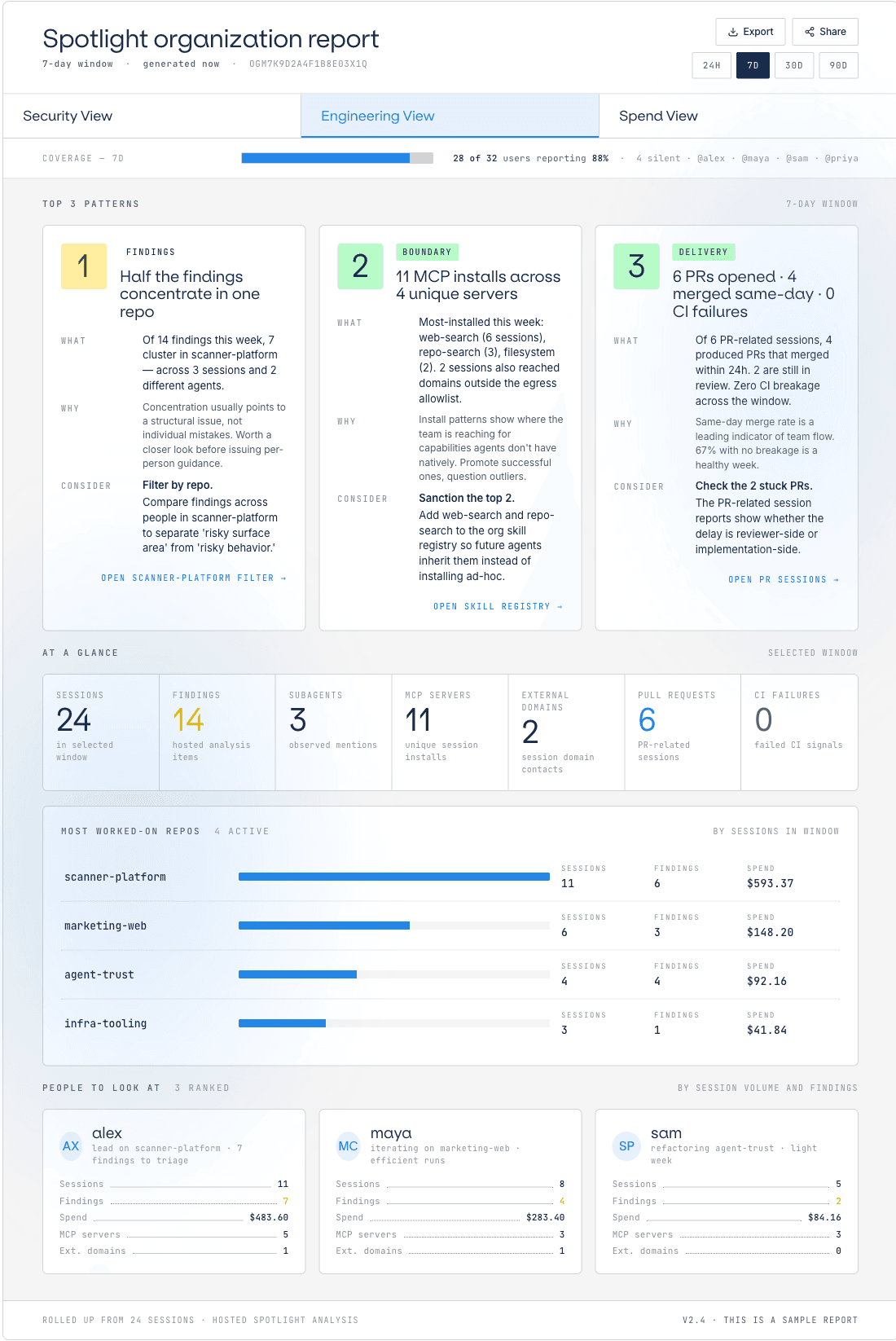
Top 3 things you should know7-day window
1High
An MCP server nobody reviewed is in use in three sessions
- What
- file-transfer.external was connected from three sessions this week. It is not in the reviewed set, and nobody has ruled on it either way.
- Why
- A server outside the reviewed set can reach destinations the allowlist never saw. Unreviewed is not the same as unsafe, but it is not decided.
- Consider
- Decide, then enforce. Review the server once. Sanction it, or block it at the control layer, and the next session inherits the answer.
Session 73D9D2High2d ago
Release notes export + file hand-off
Sam's Codex · agent-trust
4 findings · $162.57 · 8h 14m
Review evidence →
2High
Agent reached an API endpoint outside the egress allowlist
- What
- A vendor-integration session made 12 outbound requests to api.example-vendor.com. The domain is not on the egress allowlist and was not reviewed.
- Why
- Off-allowlist destinations can carry credentials or customer data. Even a legitimate vendor should pass a check before traffic flows to it.
- Consider
- One decision, applied everywhere. Add the domain to the allowlist if vetted, or block it. Either way the decision belongs to the security team, not the agent.
Session B6F186High1d ago
Vendor webhook integration + signature verification
Maya's Codex · marketing-web
3 findings · $72.06 · 4h 47m
Review evidence →
3Medium
A skill from outside the catalog is now on six machines
- What
- bulk-export was first seen four days ago on one machine. It has since been loaded in sessions on six, none of them through the catalog.
- Why
- A skill that spreads by copy carries no verified build. What it does on the sixth machine may not be what it did on the first.
- Consider
- Pin it, or warn. Publish the catalog build and warn on anything else. Nothing is blocked until you say so.
Session 9F2E10Medium22h ago
Scanner platform v2 shipped to production
Alex's Claude · scanner-platform
6 findings · $483.60 · 9h 12m
Review evidence →
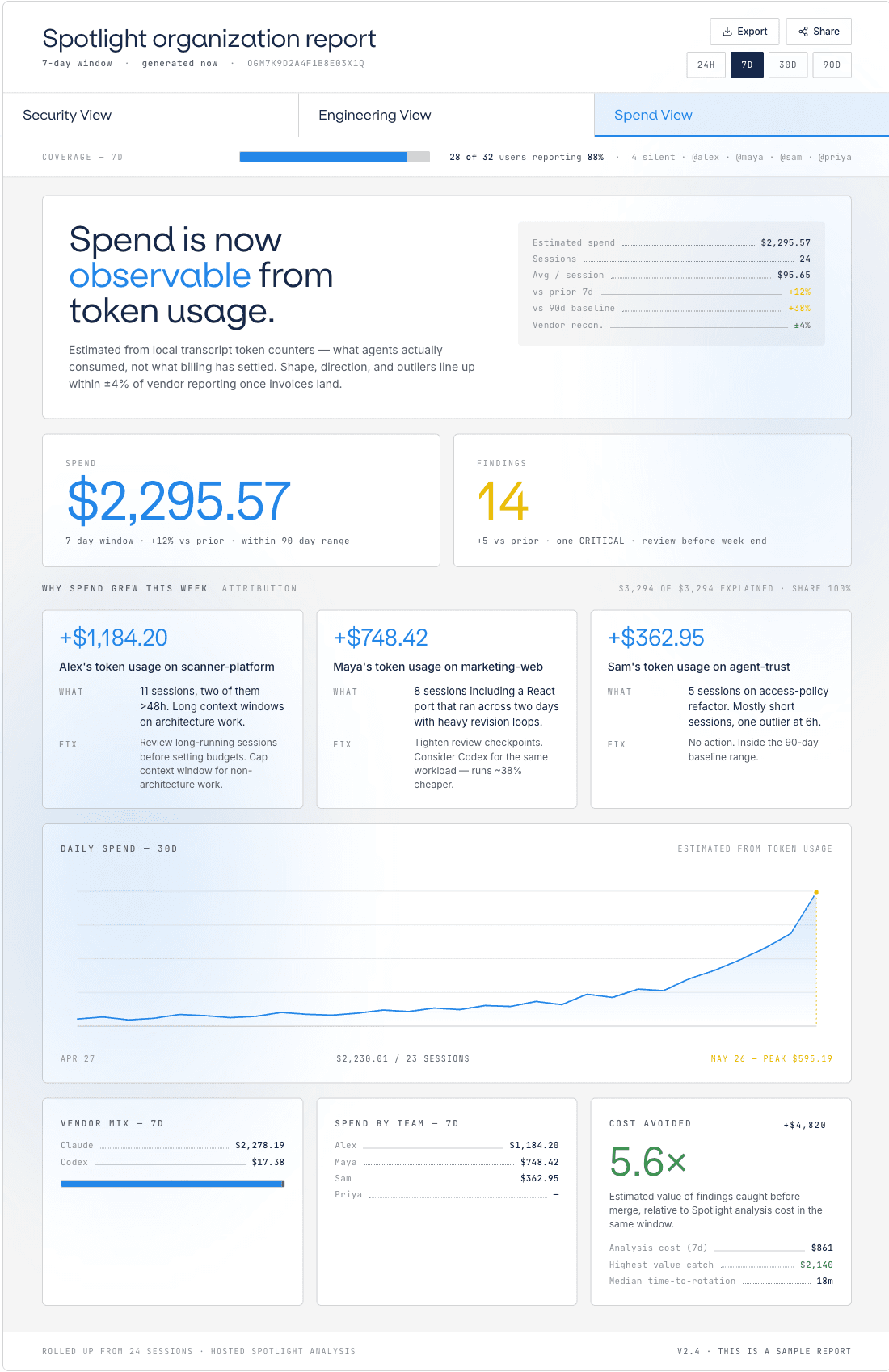
Posture 3 indicatorsvs prior 7-day window
Sessions+4
24 this week
- Prior 7d20
- 90d baseline18 / week
- Coverage88%
Highest severity2 high · 0 critical
High
Estimated spend+12%
$2,295 from token usage
- Session 9F2E10$483.60
- Session 73D9D2$162.57
- Session B6F186$72.06
Findings 14 needing reviewAll severities · 7-day window
All 14High 2Medium 7Low 5
SeverityCategorySummaryAgentWhen
HighboundaryMCP server file-transfer.external connected, not in the reviewed setSam's Codex2d ago
HighboundaryOutbound request to non-allowlisted domain api.example-vendor.comMaya's Codex1d ago
MediumdriftSkill bulk-export loaded outside the catalog on 6 machinesAlex's Claude22h ago
Mediumbehaviorrm -rf executed on a directory outside the declared workspaceSam's Codex2d ago
MediumcomplianceCustomer email visible in transcript before redactionAlex's Claude22h ago
LowobservationSession exceeded 4h without a checkpointMaya's Codex3d ago